Your public portal link is now found inside your profile in the NEW Instant IP app.
You will need to follow these instructions.
1. Sign in to the Instant IP App
2. Click on Profile on the Menu
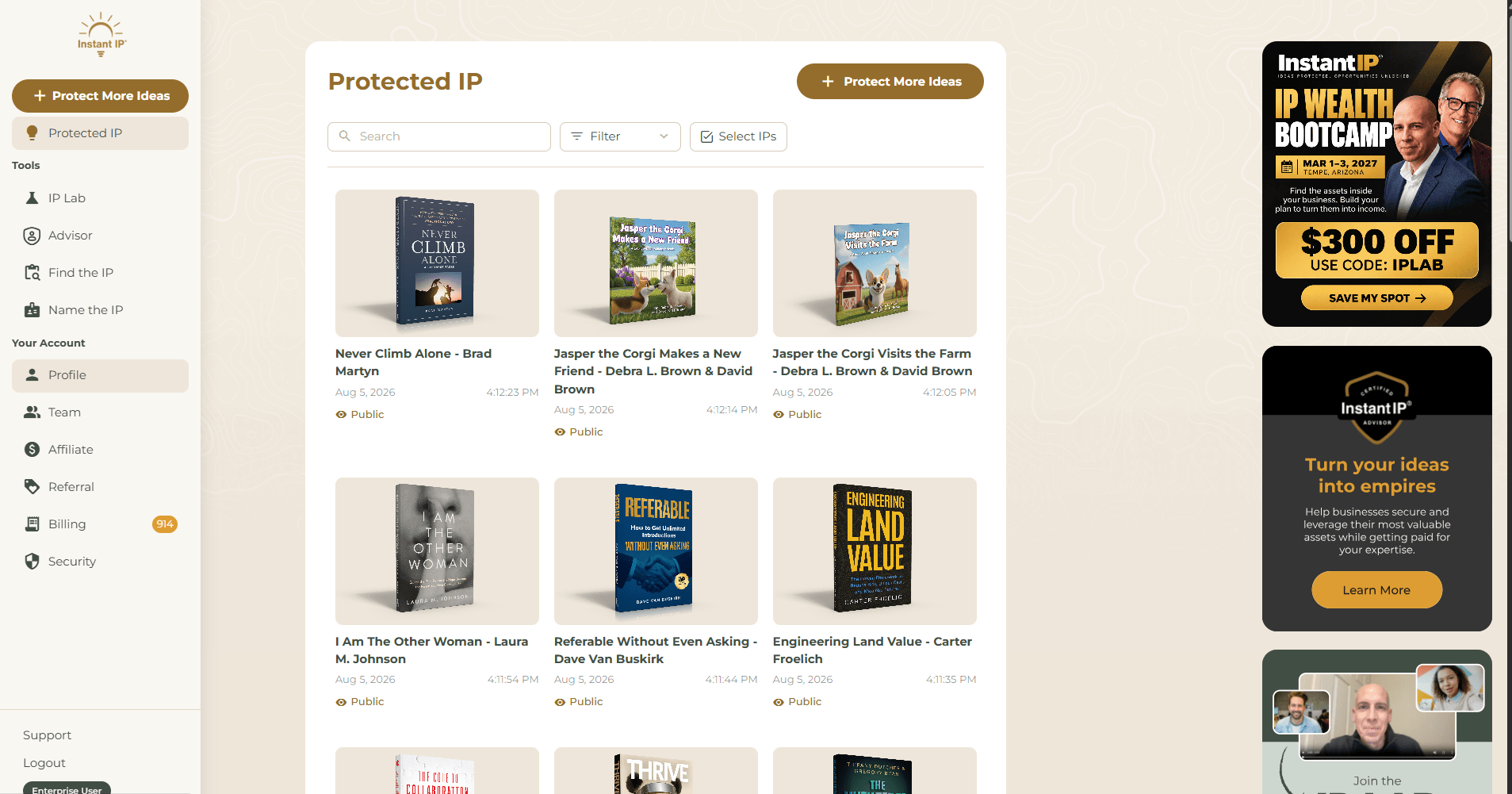
3. Click on the Lock to open in a new window.
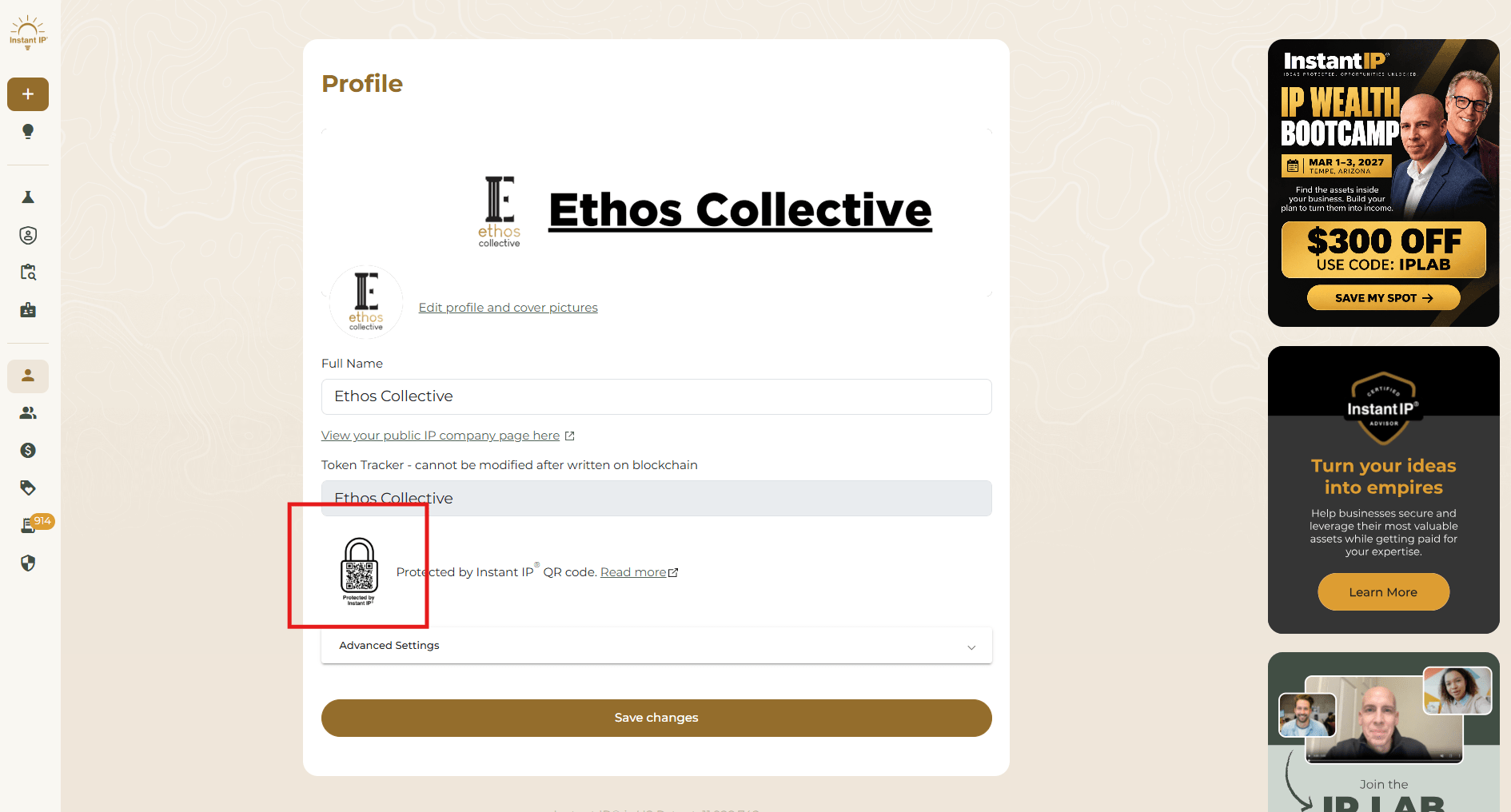
4. Download the Lock.
5. Follow the instructions in the video above to create your own custom QR Code Lock.